Set up IPTV on Android
Android is the easiest platform for IPTV. Most players are in the Google Play Store, setup takes about five minutes, and the same steps work on Android TV, Google TV, Nvidia Shield, Chromecast with Google TV, Android boxes and phones.
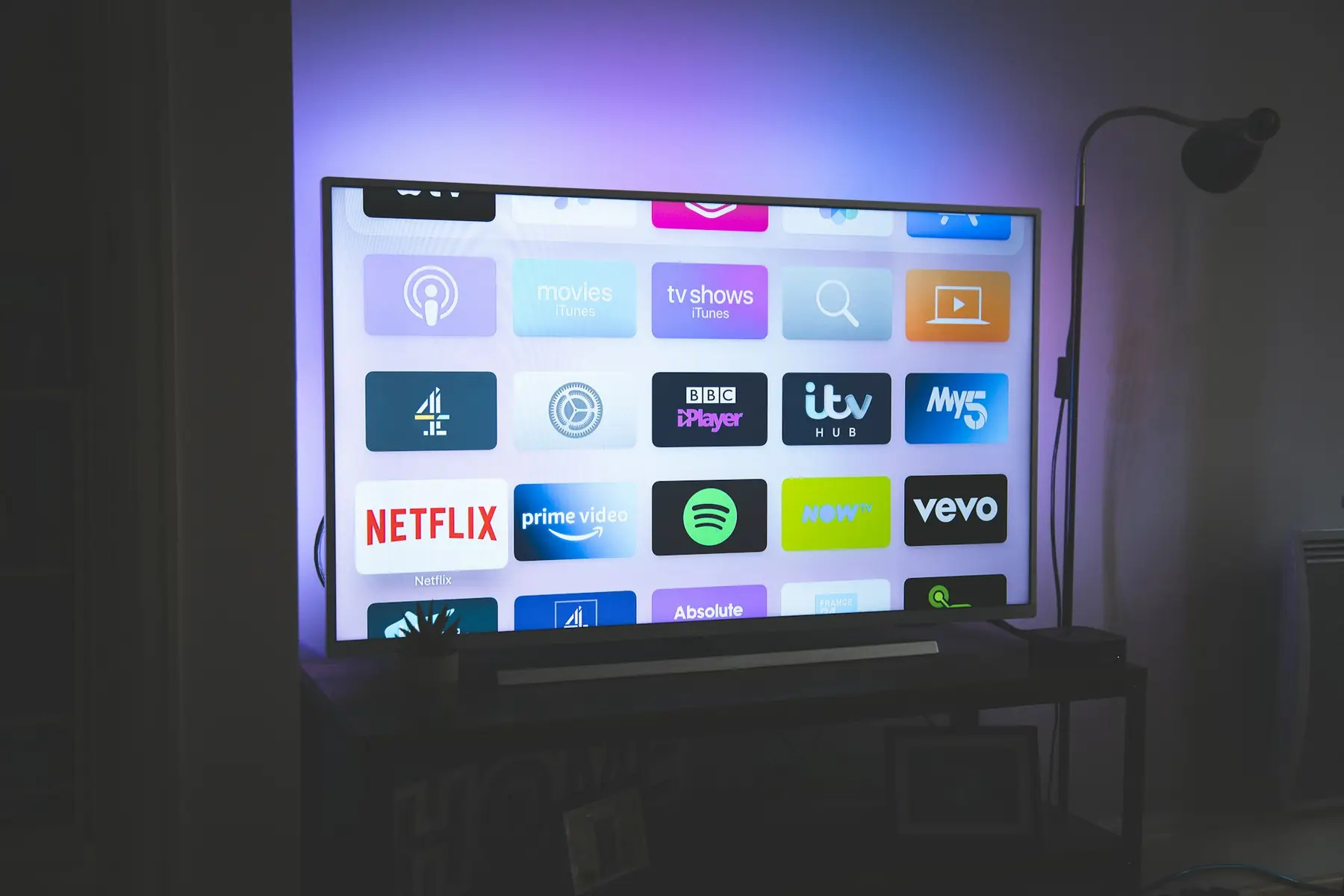
Step by step
- 1
Install a player from Google Play
Open the Play Store and install TiviMate (best for TV screens) or IPTV Smarters Pro (good on phones and tablets). Both are free to start.
- 2
Choose your login type
Pick Xtream Codes if the app offers it. It loads live TV, movies, series and the guide together. Use the M3U link only if your app doesn't support Xtream Codes.
- 3
Enter your details
Type the server URL, username and password from your welcome email exactly as written. A wrong character in the URL is the most common reason a login fails.
- 4
Load the guide and pick favourites
Let the TV guide finish downloading, then long-press channels to add them to Favourites. In TiviMate, you can hide whole groups you don't watch to keep the list short.
Android TV, boxes & phones questions
TiviMate is the favourite for TV screens because of its fast guide and clean layout. IPTV Smarters Pro is simpler and works well on phones and tablets.
Yes. Chromecast with Google TV runs Android, so you install the player from Google Play and follow the same steps.
Some players support casting, but installing the player directly on the TV device gives a far more stable picture.
Other devices
Still buffering after setup? See the buffering fix guide.
Watch free for 24 hours. Decide after.
Test every channel, the guide and the on-demand library on your own devices before you pay anything.