Set up in minutes, on any screen.
Pick your device. Each guide walks through the app to install and where to type your login, with fixes for the usual snags.

Choose your device


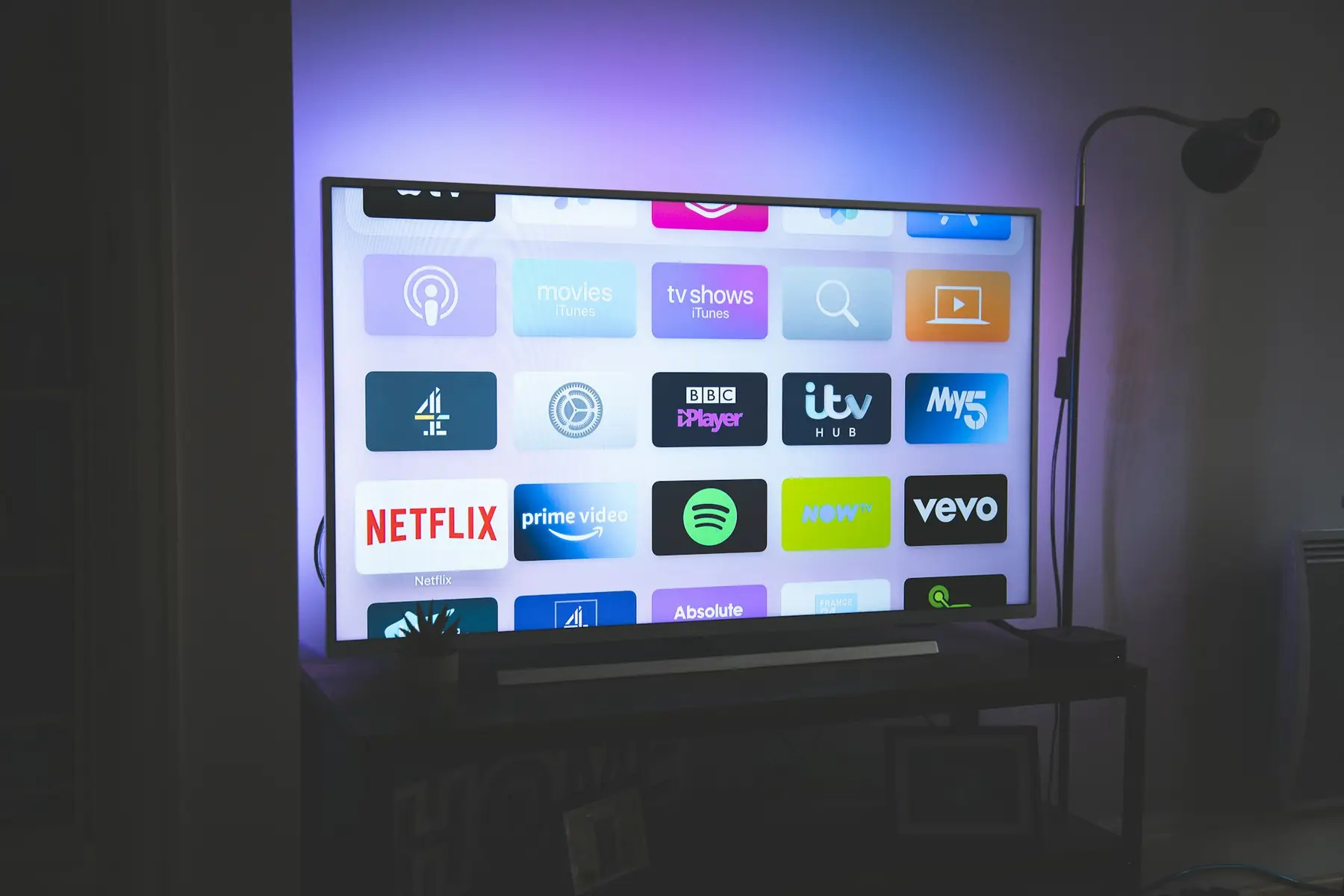

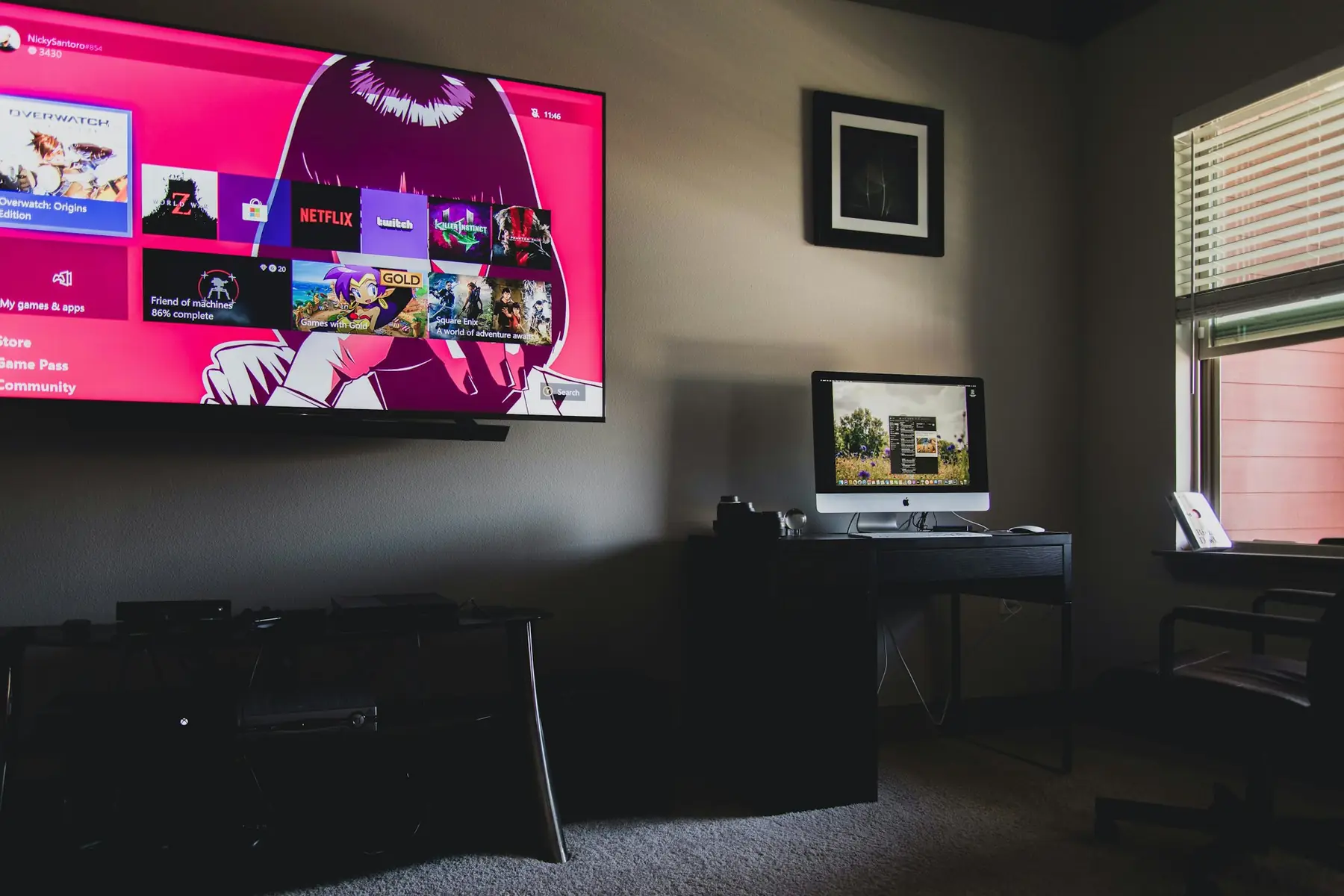

Which login should I use?
| Login type | Best for | What you enter |
|---|---|---|
| Xtream Codes | TiviMate, IPTV Smarters, IBO Player, most apps | Server URL, username, password |
| M3U link | VLC, simple players, some TV apps | One playlist address |
| Portal / MAC | MAG boxes, Stalker-type players | Portal URL, device MAC address |
Choose Xtream Codes whenever the app offers it: it loads live channels, movies, series and the guide in one go and is easier to update. Our article on M3U vs Xtream Codes explains the difference in detail.
Setup questions
An Xtream Codes login (server URL, username and password), an M3U playlist link, and a portal address for MAG boxes. Use whichever your device's player asks for.
Support can guide you through each screen on WhatsApp, and for MAG boxes and some Smart TV players we can activate the device for you from its MAC address.
It is not required to use the service. Some customers use one for privacy; if you do, choose a nearby server with good speed, because a slow VPN causes buffering.
Watch free for 24 hours. Decide after.
Test every channel, the guide and the on-demand library on your own devices before you pay anything.