What Is IPTV? How It Works and What You Need to Get Started
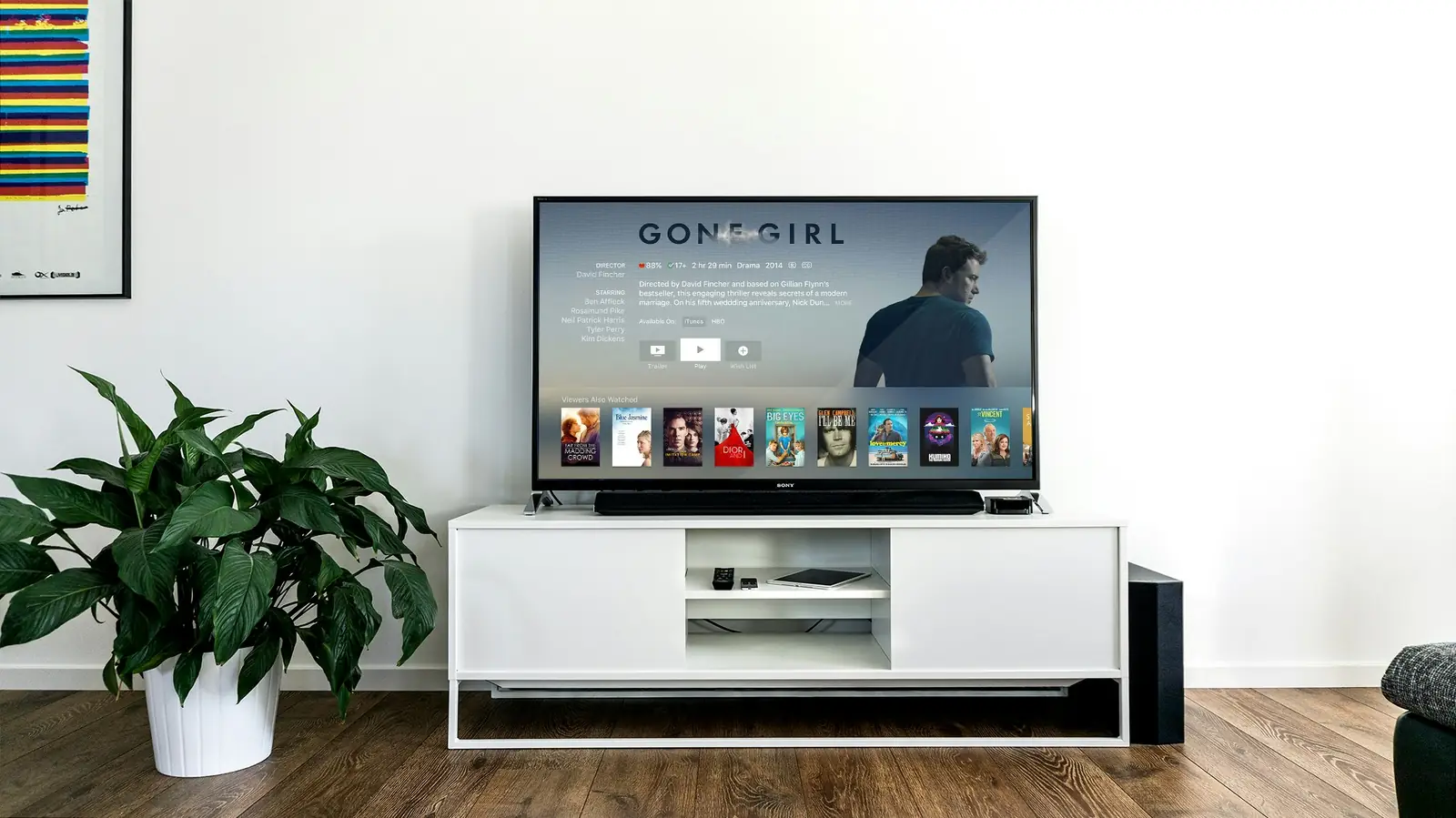
IPTV (Internet Protocol Television) is live TV and on-demand video delivered over your internet connection instead of through a satellite dish or a coaxial cable. You install an IPTV player app on a device you already own, enter the login details from your provider, and the channel list, TV guide and movie library load inside the app. If your home internet can handle video streaming, it can usually handle IPTV.
How does IPTV actually work?
Traditional cable sends every channel down the wire at the same time, and your cable box tunes into one of them. IPTV works differently. The provider encodes each channel into a digital stream and keeps it on servers. When you pick a channel in your app, your device requests that one stream and the server sends it to you in small chunks of data. Nothing is being broadcast to your house that you are not watching.
That design has a few practical consequences:
- Your internet connection is the pipe. Picture quality and stability depend on your speed and on how steady your connection is. We cover the numbers in our guide to internet speed for IPTV.
- The app is the TV box. Instead of renting hardware, you use an app on a Firestick, Smart TV, phone, computer or set-top box.
- The library can be huge. Because streams live on servers, a provider can offer far more channels and on-demand titles than a cable lineup. IPTV Rapid carries 25,000+ live channels and 60,000+ movies and series.
Live channels, VOD and catch-up
Most IPTV services bundle three kinds of content. Live TV is the regular channel feed, watched as it airs. VOD (video on demand) is a library of movies and series you can start any time, similar to a streaming app. Catch-up lets you go back and watch a programme that already aired on supported channels, which is useful if you missed a match or a news segment. You can browse what is available on our channels page and the movies and series page.
The EPG (electronic programme guide)
The EPG is the TV guide grid that shows what is on now and what is coming up. It is delivered as data alongside the streams, and your player app draws the grid. A good EPG is what makes IPTV feel like normal TV rather than a long list of channel names.
IPTV vs cable vs streaming apps: what is the difference?
People often lump these together, but they solve different problems.
| Feature | Cable / satellite | Streaming apps | IPTV |
|---|---|---|---|
| Delivery | Coaxial cable or dish | Internet | Internet |
| Live TV | Yes, full lineup | Limited or none | Yes, large lineup |
| On-demand library | Small, rental-based | Large, one catalogue per app | Large, in one app |
| Hardware | Rented box | Any smart device | Any smart device |
| Contract | Often 12 to 24 months | Monthly | Prepaid plans from 1 month |
| Depends on internet quality | No | Yes | Yes |
The honest summary: cable is the most predictable because it does not depend on your broadband, but it is also the most expensive and the least flexible. Streaming apps are great for their own shows but rarely give you a full live lineup. IPTV sits in between, giving you live channels and a big on-demand library in one place, as long as your connection is decent. If cost is your main question, read our breakdown of IPTV vs cable.
What do you need to start watching IPTV?
The list is shorter than most people expect.
- A stable internet connection. Around 10 Mbps per HD stream and 25 Mbps or more for 4K is a sensible starting point. A wired connection helps a lot on TVs.
- A compatible device. Firestick and Fire TV, Samsung and LG Smart TVs, Android TV and Google TV, Android phones and boxes, iPhone, iPad and Apple TV, MAG boxes, and Windows or Mac computers all work.
- A player app. IPTV providers supply the content, not the app. You pick a player such as IPTV Smarters Pro, TiviMate or IBO Player. Our roundup of the best IPTV apps explains which one fits which device.
- Your login details. These come as either an M3U playlist link or Xtream Codes credentials (server URL, username and password). If those terms are new, see M3U vs Xtream Codes.
Our setup guides walk through each device step by step, so you do not need any technical background.
What should you look for in an IPTV provider?
Channel counts get the headlines, but a few other things matter more day to day:
- Stability at peak times. Anyone can stream well at 10 a.m. The real test is a Saturday evening when a big match is on.
- A working EPG. Missing or wrong guide data is a common annoyance with weaker services.
- Device support. Make sure the service works on what you actually own, including older TVs.
- A trial. Testing on your own connection and TV is worth more than any review. IPTV Rapid offers a 24-hour free trial for exactly this reason.
- Reachable support. When something breaks, you want a real answer quickly. We run support 24/7 by WhatsApp and email through the contact page.
- Clear pricing. Prepaid plans with no hidden add-ons are easier to budget. You can compare every option on the pricing page.
Is IPTV hard to use?
Not once it is set up. The first time takes 10 to 15 minutes: install the app, paste your login details, and let the channel list and EPG load. After that it behaves like any TV interface. You scroll through categories, open the guide, mark favourites and press play. Most viewers find the search and favourites features faster than flipping through cable channels.
The main thing that trips people up is buffering, and it is nearly always a home network issue rather than the service. If you run into it, our IPTV buffering fix checklist covers the usual causes in order of likelihood.
The short version
IPTV is TV delivered through the internet to an app on your device. You need a decent connection, a supported device, a player app and your login details. It gives you live channels, a large on-demand library and a programme guide in one place, usually for much less than a cable package. The easiest way to find out whether it suits your household is to try it on your own TV for a day before paying for anything.
Frequently asked questions
No. Most people use a device they already have, such as a Firestick, a Smart TV, a phone or a computer. A dedicated set-top box like a MAG device is optional.
Yes, but each simultaneous stream counts as a device connection. If two people watch on different screens at the same time, choose a plan that covers two or more devices.
No. IPTV streams arrive over your internet connection, so you need to be online. Downloading for offline viewing is generally not part of IPTV playback.
They are unrelated. IPTV is the TV service itself, while a VPN is an optional tool that encrypts and reroutes your internet traffic.